
Photo Guidelines
Updated November 3, 2026
Our photo guidelines come down to this: send a sharp, well-lit, front-facing picture where no face or pet is cut off. A phone photo works, and the original file prints with more detail than a copy. Upload only pictures you took or have permission to print.
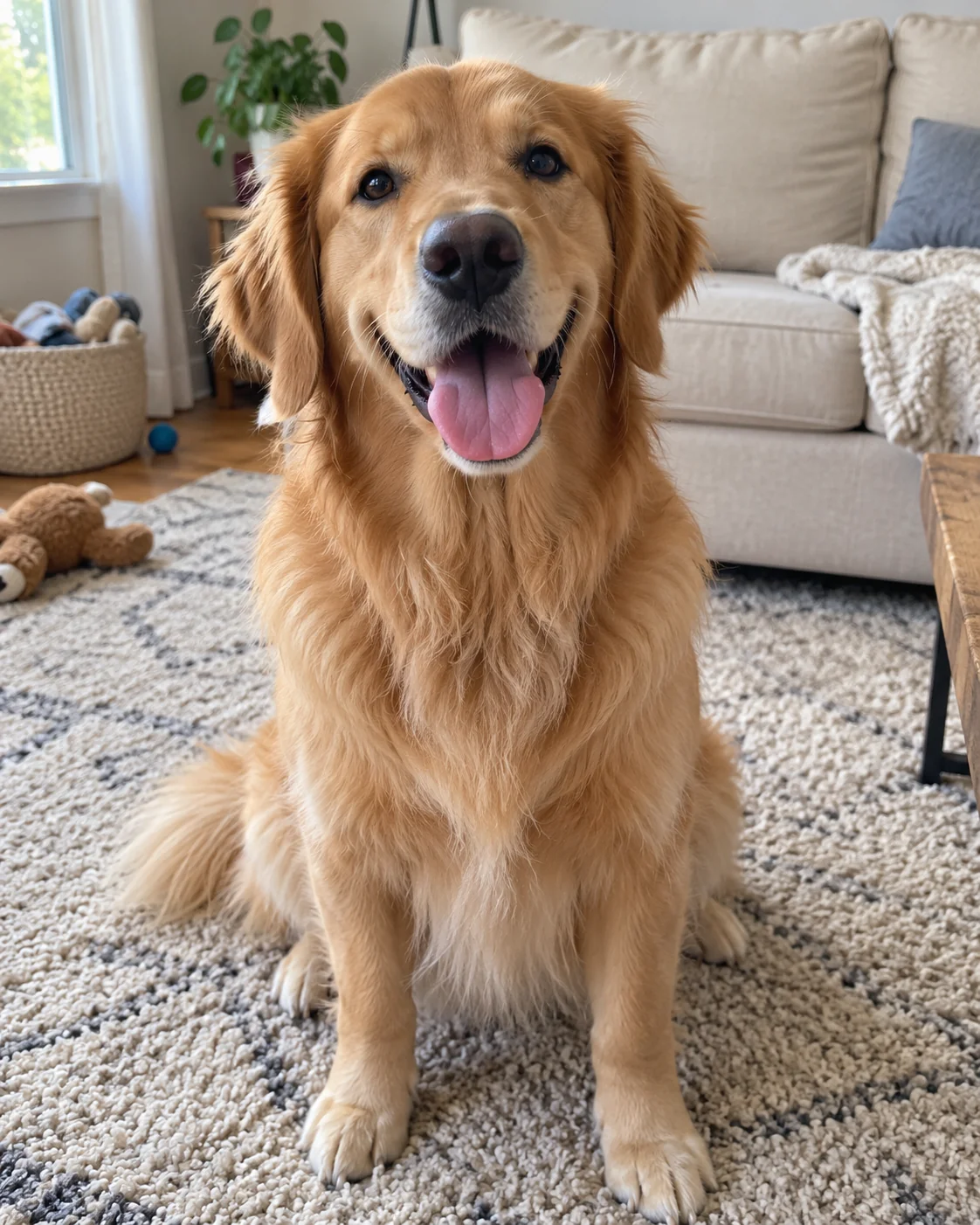
Photo guidelines: what makes a good photo for a custom shirt?
Our photo requirements are short, because the picture you upload is the picture that gets printed and the quality of the shirt is mostly decided before you reach the product page. The best photo for a custom shirt checks six boxes.
- Light that shows the face, such as daylight near a window or open shade outdoors
- The person or pet looking toward the camera instead of turned away
- Sharp focus on the eyes, with no motion blur
- Room around the head, ears and paws so nothing is trimmed at the edge
- One subject per upload box, close enough that the face fills a good part of the frame
- The original file at full size rather than a thumbnail
What does a good photo turn into?
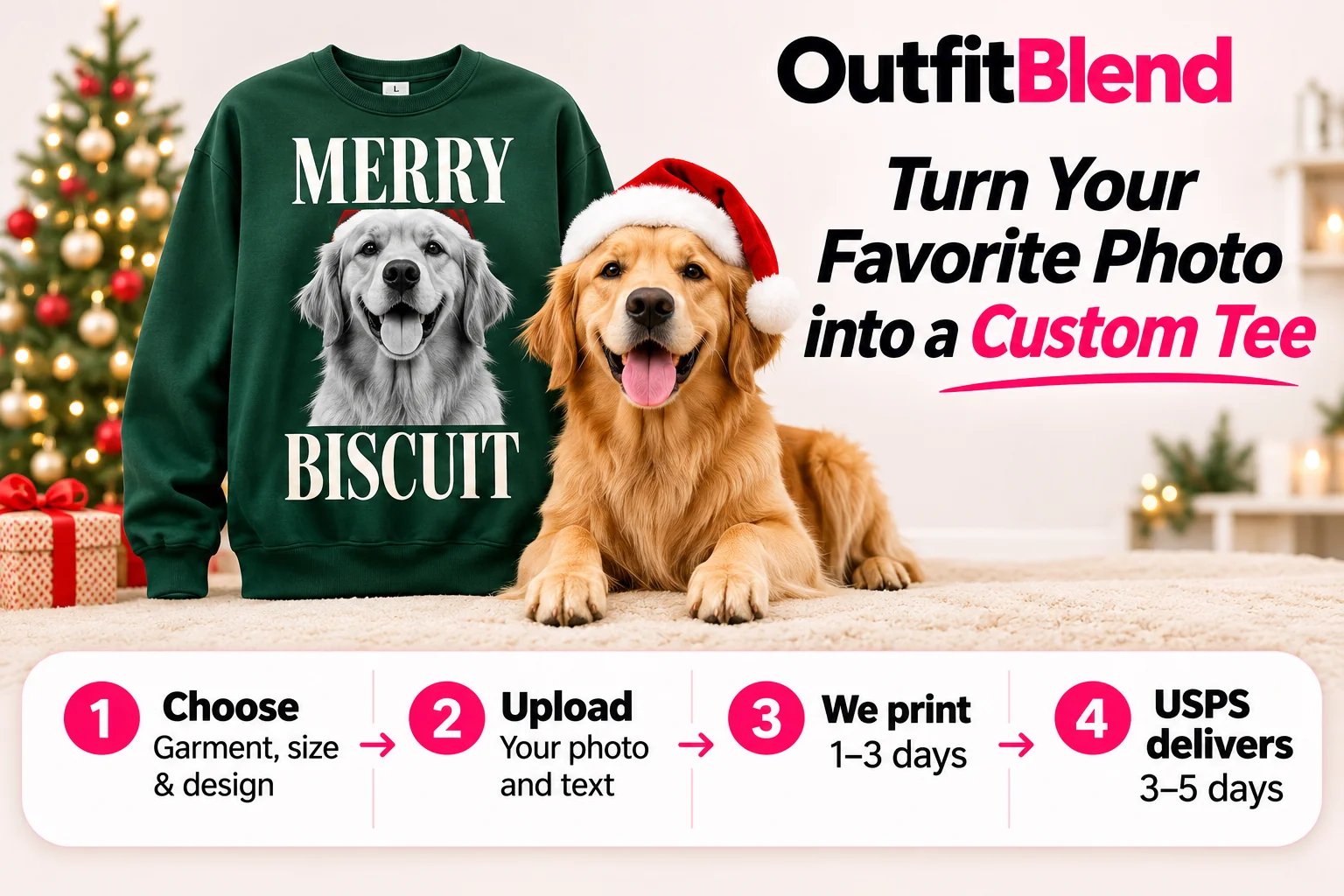
This sweatshirt began as an ordinary phone picture of a golden retriever sitting up and looking at the camera. The light was even, the eyes were in focus and both ears were inside the frame.
That is all a photo needs. Vintage designs turn it black and white and set the name in tall lettering, so detail in the face is what carries the print.
A sample design, not your order. Your shirt carries your own picture and name.
Which photos usually print poorly?
| Problem | Why it hurts the print | Quick fix |
|---|---|---|
| Dark or backlit shot | The face sits in shadow and detail disappears. | Turn the subject toward the light. |
| Screenshot or small social copy | Too few pixels, so edges look soft. | Upload the original from your camera roll. |
| Group shot with tiny faces | Each face is only a few pixels wide. | Send a close-up of each person. |
| Filters, stickers or text on top | The extra layer is printed along with the photo. | Use the unedited original. |
| Sunglasses, hands or a party hat over the face | Eyes and features are hidden. | Choose a frame where the face is clear. |
| Motion blur | Printing enlarges the blur. | Take a few frames and keep the sharpest. |
Photo tips: how do I shoot a sharp photo on my phone?
- Use window lightTurn the subject toward a window or step into shade. Leave the flash off.
- Drop to eye levelKneel for a pet or a child so you are not shooting downward.
- Close in, don’t zoomStep forward and keep the zoom at 1x for the cleanest file.
- Take a few extraTap the eyes, shoot a short burst and delete all but the sharpest.
How many photos can I use on one design?
That depends on the design. A bootleg rap tee is a collage, so it takes several faces or pet photos, while a vintage photo tee uses one picture in black and white under a tall headline. The product page shows one upload box per photo, and the number of boxes is the number the design uses.
For a collage, send a separate close-up of each person or animal instead of a single group shot, and pick pictures with similar light so the faces match. For a vintage design, choose an image where the subject fills most of the frame. Our how it works page shows the full ordering flow.
Rules for photos of children
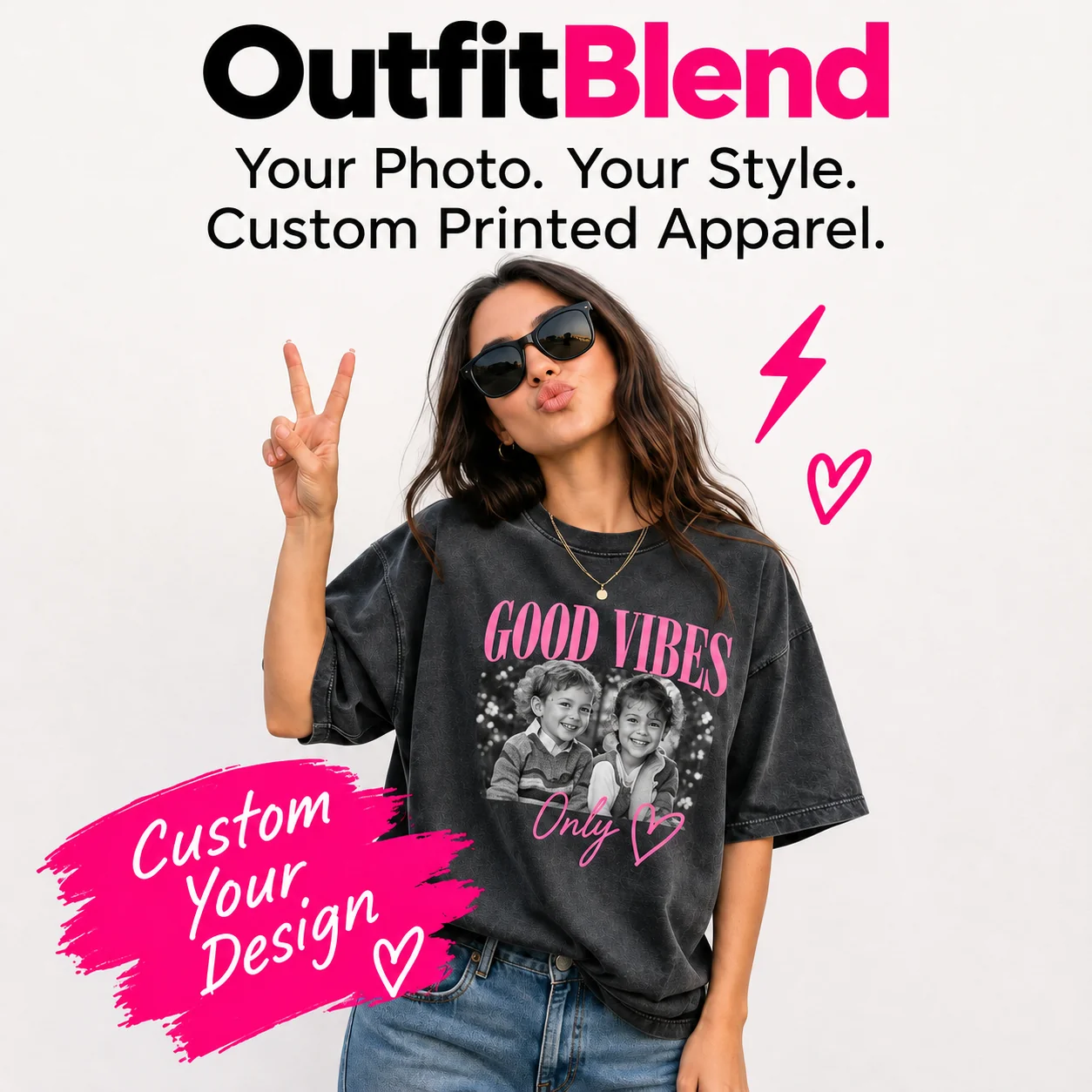
For kids designs, choose a head-and-shoulders or waist-up shot with the child in everyday clothes. A recent smiling picture usually beats a posed school photo with a busy backdrop.
We can’t print swimwear, bath-time or leotard photos. Kids designs go on the youth tee, with measurements in the size guide. Browse custom kids shirts or kids birthday shirts for ideas.
Which file types can I upload?
The upload box takes JPG, PNG or HEIC, which covers the formats most phones and cameras save. Choose the original from your camera roll or computer rather than a copy sent through a text or chat app, because those apps shrink the file. A screenshot of a photo is a copy of a copy, so open the photo itself and upload that.
Which photos can I use?
Use pictures you took yourself or that the owner has said you can print, like a family snapshot or a friend’s shot of your dog. We don’t print anyone famous, from singers, rappers and athletes to public officials. Logos, brand names, team and league marks, and characters from cartoons or movies are also out. If an order includes any of it, we cancel the order and refund it in full.
What happens to my uploads?
Your photos are used to make your order and are shared with our print partner for that purpose. We don’t use them in ads or on the website. The privacy policy has the full details.
Photo questions, answered
Can I upload a screenshot?
You can, but a screenshot is usually small and soft, so it prints with less detail. Open the original picture, save it from your camera roll and upload that file instead.
Can I use a photo with sunglasses or a hat?
Yes, as long as the face is still clear. Sunglasses, hands or a brim that hide the eyes or mouth cost detail, so choose another frame if you have one.
Does an old black-and-white photo work?
It can. Scan the print or photograph it flat in daylight without flash glare. Vintage photo designs tone the picture black and white anyway, so an old portrait fits that style well.
How big should my photo file be?
As big as your phone or camera saved it. A larger original keeps more detail, while a copy shrunk by a chat app or social site prints softer.
What happens if my photo breaks the rules?
Orders with celebrity, logo, brand or character content are canceled with a full refund. If a photo is just dark or small, retake it before ordering so the print matches what you expect.